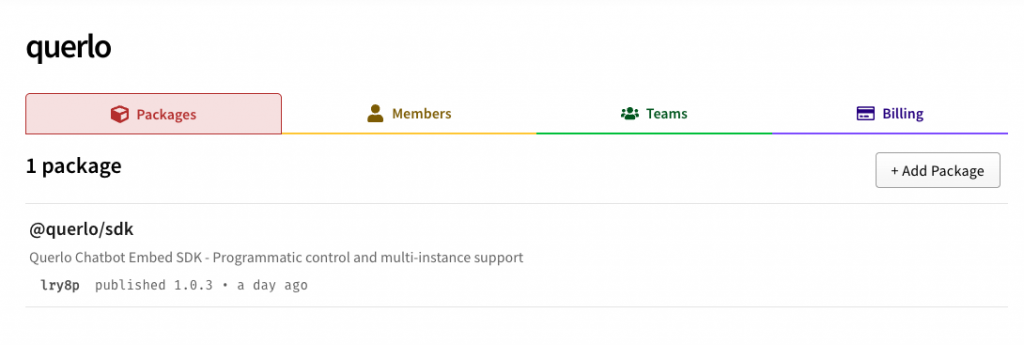
At Querlo, we are committed to making conversational AI as accessible and powerful as possible for developers. Today, we are excited to announce a major milestone in that journey: the official launch of the Querlo Chatbot SDK on NPM.
As modern web development shifts towards modular, component-based architectures, developers need tools that integrate seamlessly into their workflows. Whether you’re building with React, Vue, Svelte, or vanilla JavaScript, the new @querlo/sdk package provides the programmatic control you need to create truly immersive user experiences.
Why NPM?
While our classic script-tag integration remains available for quick setups, the NPM package is designed for teams building complex, data-driven applications. By using @querlo/sdk, you benefit from:
- Type Safety: Full TypeScript support ensures you catch errors during development, not in production.
- Version Control: Lock in specific versions of the SDK to ensure stability across your environments.
- Modular Loading: Bundle only what you need, improving your site’s performance and SEO.
Key Features of the SDK
The Querlo SDK isn’t just an embed script; it’s a comprehensive library for interacting with your chatbot in real-time.
1. Programmatic Control (The “Controller” Pattern)
Every time you embed a chatbot, the SDK returns a unique controller. This allows you to open, close, send messages, or set variables for that specific instance without affecting other parts of your site.
2. Multi-Instance Support
Need a support bot in the sidebar and a lead-gen bot in the footer? No problem. The SDK manages multiple instances independently, each with its own state and configuration.
3. Deep Event Integration
Listen to the chatbot’s internal state. You can trigger custom website behaviors when a user reaches a certain page in the conversation or when the bot is waiting for input.
4. Zero-Config Styling
Our “CSS-in-JS” approach means you don’t have to manage external stylesheets. The SDK automatically injects the necessary styles, ensuring a premium, consistent look and feel with smooth SVG-based animations.
Getting Started
Integrating Querlo into your project is now as simple as:
bash
npm install @querlo/sdk
Then, initialize it in your application:
javascript
import Querlo from '@querlo/sdk';
// Programmatically embed and control
const chat = Querlo.embed({
    id: 'YOUR_BOT_ID',
    template: 'esd',
    mainColor: '#007bff'
});
chat.open();
Learn More
This is just the beginning. For a deep dive into all available commands, events, and templates, visit our comprehensive documentation:
We can’t wait to see the incredible conversational experiences you’ll build. Happy coding!
Querlo LLC — Powering the world’s most intelligent conversations.